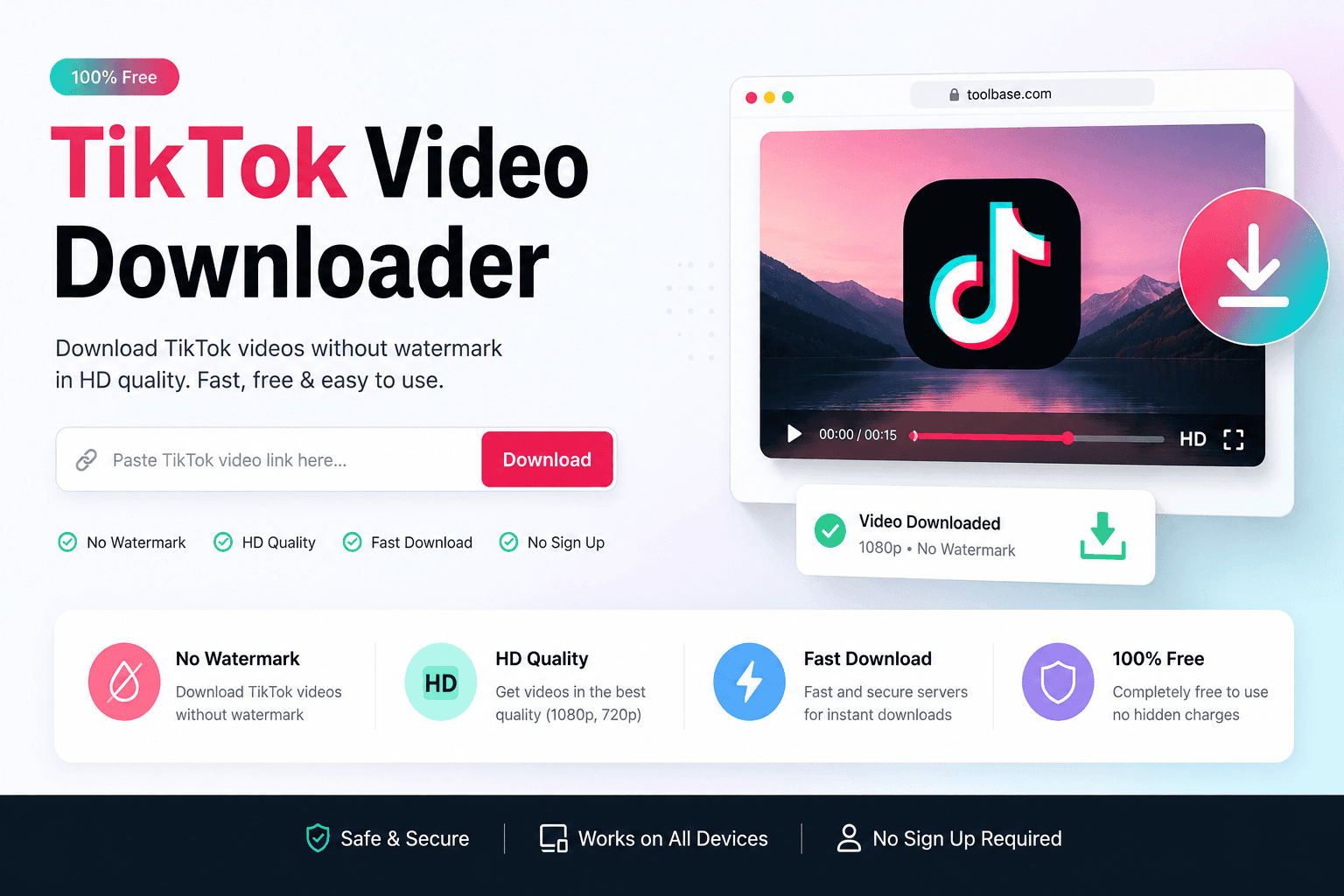
Most “TikTok video downloader without watermark” articles repeat the same four steps. This guide is different: it explains how SnapTikToks handles HD quality, which formats you should pick, and what watermark-free MP4 actually means for playback and editing.
If you need a beginner how-to for 2026 (copy link → paste → save), start with our companion guide on downloading TikTok videos without watermark free. Come back here when you care about resolution, file size, and choosing the right output on SnapTikToks.
SnapTikToks is built for a clean browser workflow: public TikTok URL in, HD MP4 / audio / slideshow options out—no account, no APK, no password prompts.
What SnapTikToks Optimizes For (Beyond a Generic Downloader)
A generic TikTok video downloader only needs to return a file. SnapTikToks focuses on three outcomes creators actually care about: a clean frame without the TikTok logo when the source allows it, sensible HD MP4 defaults, and optional audio or slideshow exports from the same link.
That product angle matters for SEO and for users. Search phrases like tiktok hd mp4 download and watermark free mp4 quality are not solved by another identical step list—they are solved by clarity about formats and quality.
SnapTikToks is designed for:
- Watermark-free HD MP4 when TikTok exposes a clean stream
- Fast preview-before-download checks on the homepage tool
- MP3 / audio extraction when you only need the sound
- Slideshow / image gallery saves for photo carousels
- Mobile and desktop browsers without installing software
What “HD” Means for TikTok Downloads
“HD” on a downloader page is only as good as the creator’s upload. If the original TikTok is 720p, no tool can invent true 1080p detail. SnapTikToks requests the highest available public stream and labels options honestly.
| Label you may see | Typical use | What to expect |
|---|---|---|
| HD MP4 | Offline watch + light edits | Best available clean video stream |
| Standard MP4 | Smaller files / weak data | Lower bitrate, faster save |
| MP3 / audio | Ringtones, edits, offline sound | Sound only—no picture |
| Images / ZIP | Slideshow posts | Each photo as a still file |
If results look soft, check the original post first. Soft source video is the most common “HD not working” complaint—not a missing button.
SnapTikToks vs SSSTikTok-Style Tools
Sites branded like SSSTikTok popularized the paste-link workflow. SnapTikToks keeps that simplicity but pairs it with an on-site SEO blog, clearer format guidance, and a single homepage for video, audio, and slideshows.
You do not need to leave SnapTikToks for a third-party clone when your goal is a public TikTok save. Prefer HTTPS tools that never ask for your TikTok password.
Practical differences users notice:
- One tool surface for MP4, MP3, and carousel images
- Guides that separate how-to steps from quality/format decisions
- Internal links back to the live downloader on www.snaptiktoks.org
- No requirement to install browser extensions for basic saves
When to Choose MP4, MP3, or Images
Pick the format from the job, not from habit. Full-screen rewatches and edits need MP4. Music and voiceovers need audio. Recipe or outfit carousels need images.
Quick decision guide:
- Editing or reposting with permission → HD MP4 without watermark
- Ringtone or sound library → MP3 / audio extract
- Photo carousel → image gallery or ZIP
- Weak mobile data → standard MP4, then re-download HD later on Wi‑Fi
For device-by-device save tips (iPhone gallery, Android Downloads, Windows folder), use the 2026 how-to guide linked above—this page stays focused on quality and format choice inside SnapTikToks.
HD Save Checklist Before You Hit Download
Run this short checklist on SnapTikToks to avoid wasted retries.
- Confirm the TikTok is public and the share link is fresh
- Open the homepage tool at www.snaptiktoks.org and paste once
- Preview metadata when shown, then pick HD MP4 if available
- If only standard quality appears, accept the source limit or try another post
- For audio-only needs, switch to MP3 instead of downloading full video
Stay Safe While Hunting for HD Downloads
Quality-focused downloaders should still be privacy-focused. SnapTikToks only needs the public URL. Never type your TikTok password into a “HD unlock” form, and skip random APKs that promise unlimited bulk HD mods.
Safety rules that still apply in 2026:
- Use the official SnapTikToks site over lookalike domains
- Prefer browser downloads over unknown desktop installers
- Respect copyright—personal offline use is not a license to reupload
- Read the Privacy Policy linked in the footer
Final Thoughts: Choose Quality on Purpose
A TikTok video downloader without watermark is only useful if the file looks right for your next step—watching, editing, or archiving. SnapTikToks pairs a fast paste-link tool with clear HD and format guidance so you are not guessing which button to press.
Use this page for quality decisions; use our 2026 watermark-free how-to for step-by-step device saves; use the audio guide when you only need MP3.
FAQ: SnapTikToks HD Downloads & Formats
Does SnapTikToks always provide true 1080p?
Only when TikTok exposes a high-resolution public stream for that post. SnapTikToks cannot upscale a soft 720p upload into real 1080p detail.
How is this guide different from your 2026 how-to article?
The 2026 guide walks through copy-link steps for every device. This page explains HD meaning, format choice, and how SnapTikToks differs from generic SSSTikTok-style tools.
Should I pick HD MP4 or standard MP4?
Choose HD for editing and crisp offline playback. Choose standard when you need a smaller file or have limited data.
Can I extract MP3 from the same TikTok link?
Yes. After pasting the URL on SnapTikToks, use the audio option when you only need sound.
Why does my “HD” file still look soft?
Usually the original upload was low resolution, heavily compressed, or filmed in low light. Re-check the source video on TikTok before retrying.
Is SnapTikToks safer than random SSSTikTok clones?
Prefer known HTTPS sites that never ask for passwords. SnapTikToks is designed as a URL-only workflow on www.snaptiktoks.org.
Do slideshow posts support HD images?
Carousel posts are saved as still images. Quality matches what TikTok serves for each photo—not a separate “HD video” stream.
Do I need a Chrome extension for HD saves?
No. The SnapTikToks browser tool is enough for public videos on phone and desktop.